Free Photo to Pencil Sketch Converter
Convert photo to sketch online free with our AI photo to sketch maker. Change any picture to a pencil sketch online and artify your images effortlessly in just one click — no software to download.
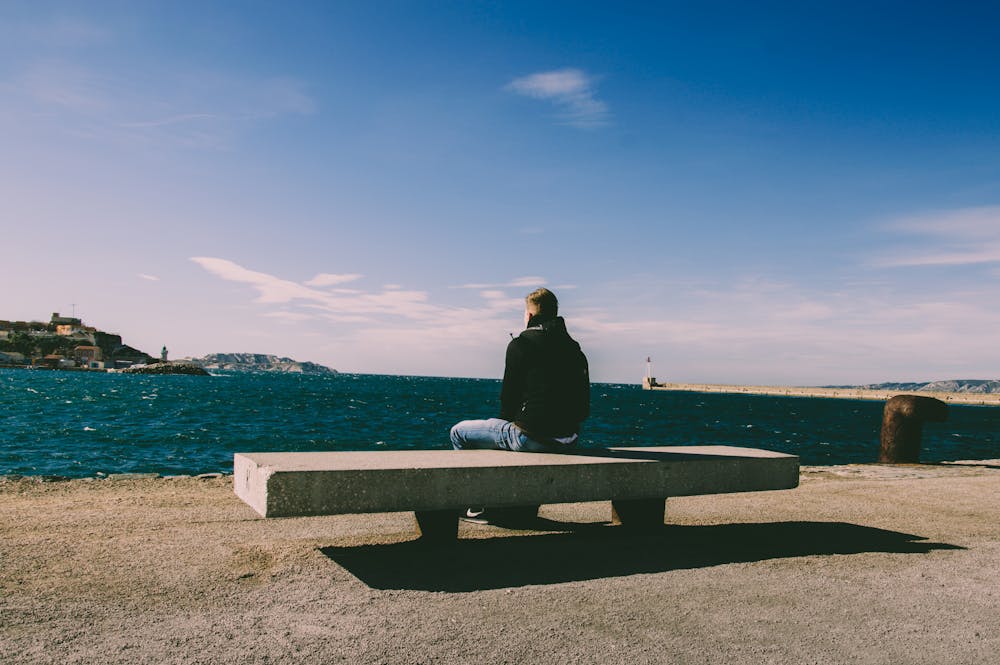
Convert Photo & Image to Pencil Sketch Online Free
How It Works
1. Upload Your Photo
Select any image from your device that you want to transform into a sketch.
2. AI Processing
Our advanced AI algorithms analyze your image and convert it into a realistic pencil sketch.
3. Download Your Sketch
Get your beautiful pencil sketch instantly and download it in high quality.
Why Choose Our Free Photo to Sketch Converter
High-Quality Results
Our AI produces stunning, realistic pencil sketches that capture the essence of your original photos.
Instant Processing
Get your pencil sketch in seconds, no waiting or complex editing required.
Secure Processing
Your photos are processed securely and never stored without your permission.
Free Daily Conversions
Enjoy 1 free conversion daily with your account, with options to upgrade for unlimited access.
Premium Subscription Benefits
Upgrade to Premium for 30 daily conversions (vs. 1 for free accounts), priority processing, and exclusive features. Get more creative freedom with our premium plans!
Premium Subscription Benefits
Upgrade to our Premium plan and enjoy enhanced features for your creative projects!
- 30 daily conversions (vs. 1 for free accounts)
- Priority processing for faster results
- Access to exclusive sketch styles and effects
Frequently Asked Questions
How do I convert a photo to a pencil sketch?
Sign in, upload your photo or image, and the AI pencil sketch converter redraws it as a pencil sketch in seconds. Download the result in high resolution — no software to install.
Is this photo to pencil sketch converter free?
Yes. You can convert a photo to a pencil sketch online free every day with a free account. Premium unlocks 30 daily conversions plus priority processing.
How does the photo to sketch converter work?
Our converter uses advanced AI algorithms to analyze your photo and transform it into a realistic pencil sketch. The AI identifies edges, textures, and shading in your image to create an authentic sketch effect.
Can I convert any image to a pencil sketch?
JPG and PNG images both work. Photos with good lighting and a clear subject — portraits, pets, landscapes, buildings — give the cleanest pencil sketch results.
Can I download my sketches?
Yes! All generated sketches can be downloaded in high quality for printing, sharing on social media, or any other use you'd like.
Is there a limit to how many photos I can convert?
Free accounts can convert 1 photo per day. Premium subscribers get 30 conversions per day, plus additional features. Check out our premium plans for unlimited access.
Want to know how it works? Can AI do pencil drawing? · No photo? Generate a sketch from text · Portrait pencil sketch ideas
What Our Users Say

Mattie Kim
"I'm amazed at how realistic the sketches look! I've used this tool for my photography portfolio and clients love the artistic touch it adds to my work."

Charles Turner
"The quality of the sketches is incredible. I've tried other converters but none come close to the detail and realism this tool provides. Highly recommended!"

Angel Stewart
"I use this tool for my art students to help them understand pencil techniques. The sketches are so detailed that they serve as perfect examples for learning shading and texture."
Ready to Convert Your Photo to a Sketch?
Change your picture to a pencil sketch online free in just seconds — no software, no hassle.